
Send Command
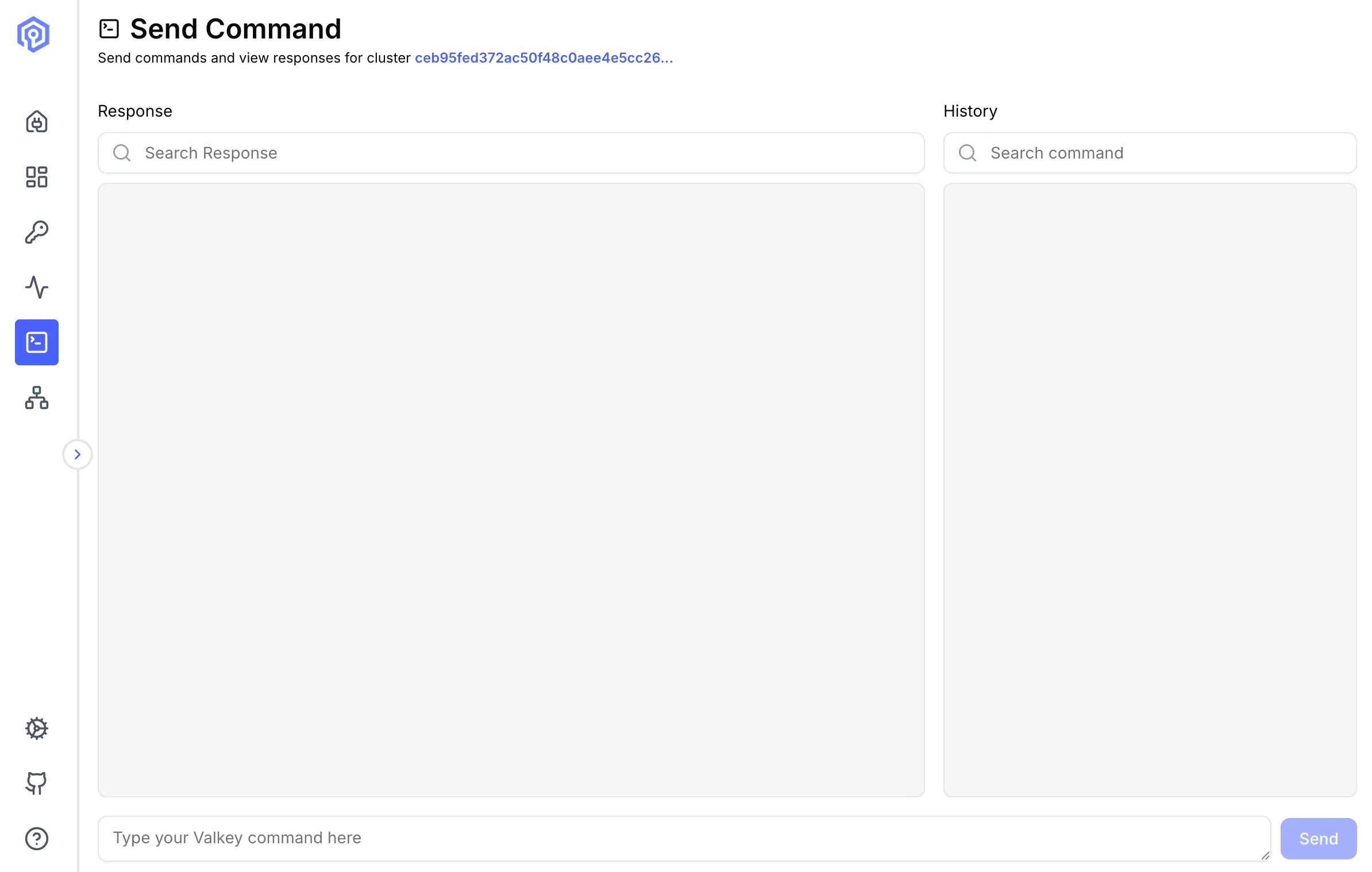
The Send Command interface provides a powerful terminal-like environment for executing Valkey commands directly against your cluster.
Overview
Section titled “Overview”Execute any Valkey command with syntax highlighting and command history.
Basic Usage
Section titled “Basic Usage”Executing Commands
Section titled “Executing Commands”Type commands exactly as you would in valkey-cli:
GET mykeySET mykey "Hello World"HGETALL user:1001LPUSH mylist "item1" "item2"Press Enter to execute. Results are displayed below the command input.
Command Autocomplete
Section titled “Command Autocomplete”As you type, Valkey Admin suggests matching commands from a built-in list of 396 Valkey commands. Select a suggestion to auto-complete the command name, then continue typing your arguments.
Restricted Commands
Section titled “Restricted Commands”Some commands are restricted to prevent accidental server disruption.
Blocked commands — cannot be executed at all:
| Command | Reason |
|---|---|
SHUTDOWN |
Stops the server and cannot be undone remotely |
DEBUG |
Can cause crashes or data corruption |
FLUSHALL |
Deletes all keys in all databases |
FLUSHDB |
Deletes all keys in the current database |
Confirmation-required commands — prompt for confirmation before executing:
| Command | Reason |
|---|---|
KEYS |
Can block the server when many keys exist |
CONFIG RESETSTAT |
Resets all server statistics |
CONFIG REWRITE |
Overwrites the server configuration file |
SLAVEOF |
Changes replication topology |
REPLICAOF |
Changes replication topology |
CLUSTER RESET |
Resets cluster state and may cause data loss |
Features
Section titled “Features”Response View
Section titled “Response View”Commands are highlighted for better readability:
- Search: Search command response
- Copy: Copy command response
- Values: White
- Keys: Gray
Command History
Section titled “Command History”Navigate through previously executed commands:
- Search: Search previously executed commands
- Copy: Copy command
- Run: Run the command again
- Compare: Compare the results two commands
Next Steps
Section titled “Next Steps”- Browse keys with the Key Browser
- Monitor command performance in Activity
- Understand cluster layout in Cluster Topology